Introduction to a Discover project
Introduction
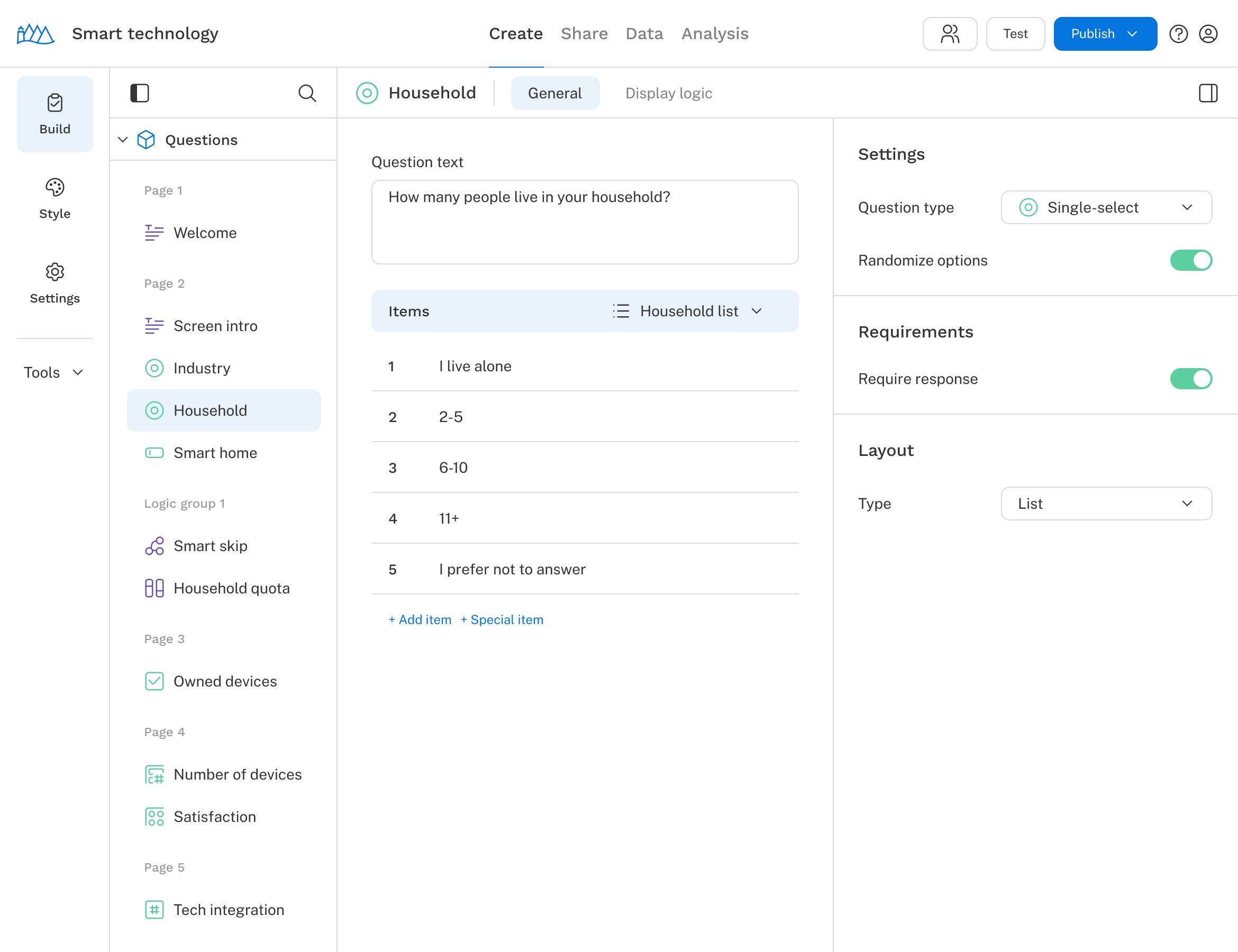
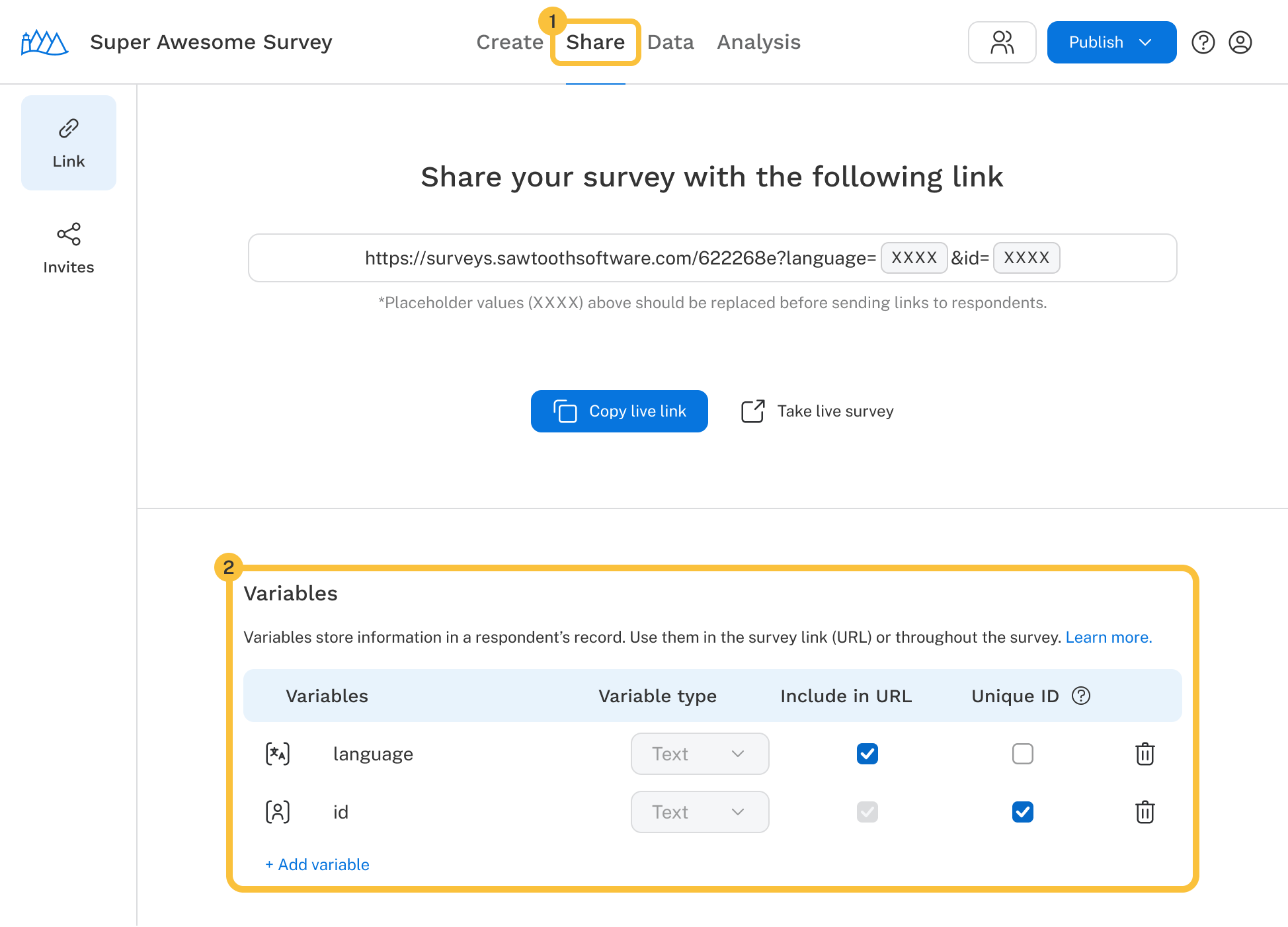
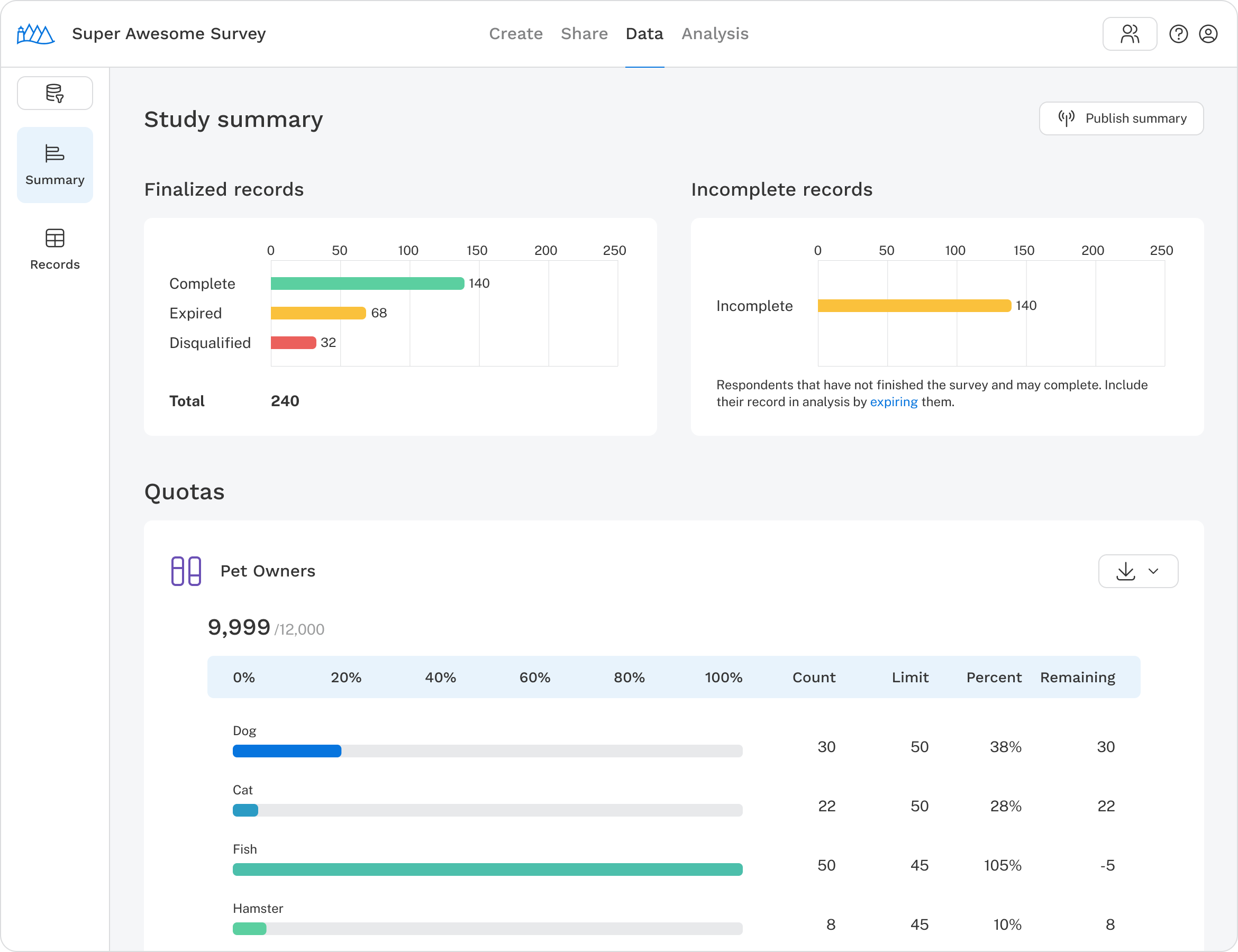
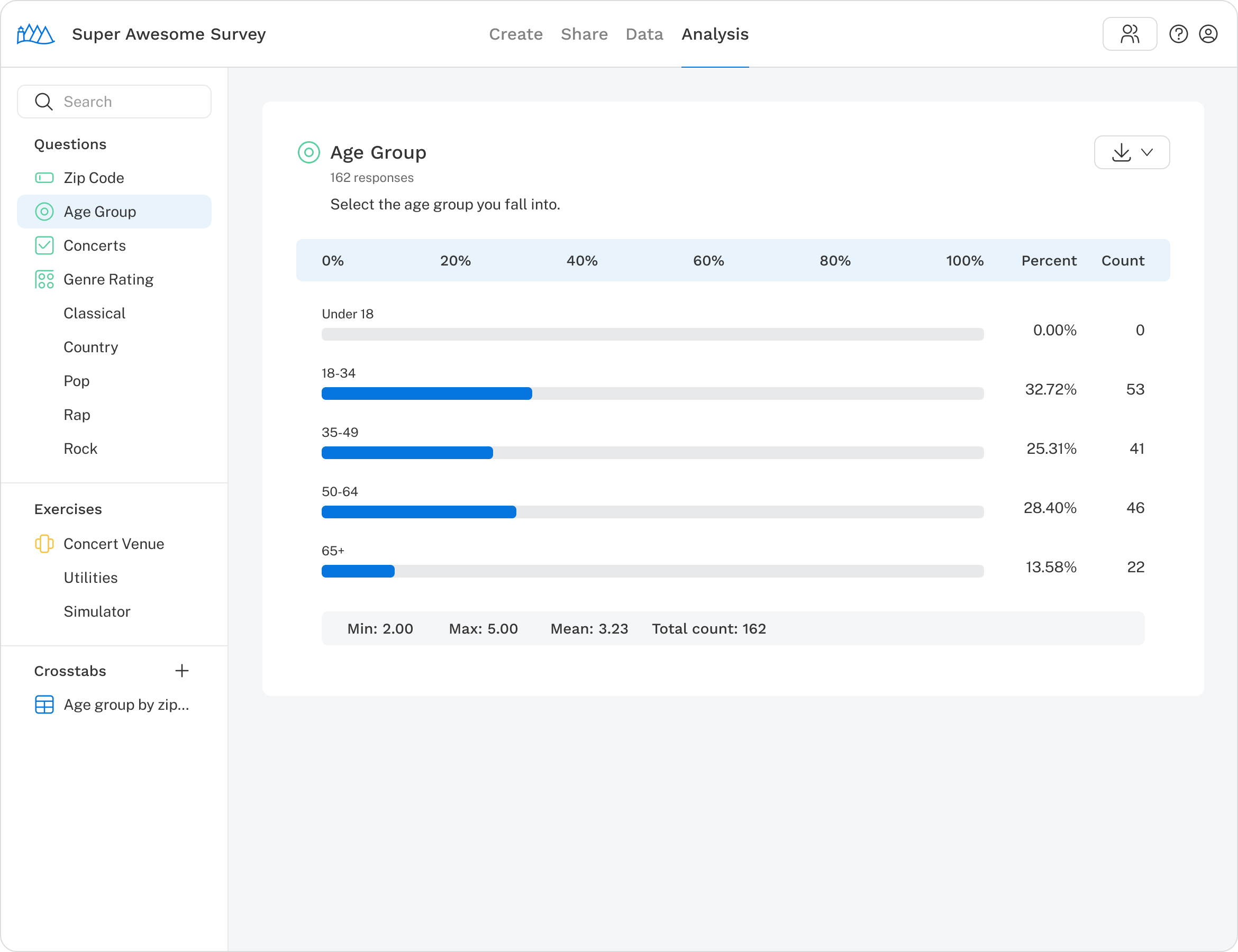
A survey project is divided into four sections, each representing a stage in the survey process. Navigate between them using the tabs at the top of the screen.
Create: Define your survey flow by adding questions, importing translations, and more.
Share: Copy your survey URL to share with respondents, with the option to append URL variables.
Data: View a respondent summary, download survey data, and remove or delete records.
Analysis: View tables and charts for individual questions and run simulations on exercises.
Top navigation
The menu bar appears at the top of every page.
- Return to My surveys: Click the Sawtooth logo to go back to your survey list.
- Survey name: View or update the survey name.
- Tabs: Switch between the four sections of your project.
- Collaborate: Invite your team to work on your survey.
- Test: Preview the survey and collect test responses before going live.
- Publish & survey audit: Review potential issues and push updates to your live survey.
- Account access and sign out: Access account settings or log out.

Heading 1

Heading 2
Heading 3
Heading 4
Heading 5
Heading 6
Lorem ipsum dolor sit amet, consectetur adipiscing elit, sed do eiusmod tempor incididunt ut labore et dolore magna aliqua. Ut enim ad minim veniam, quis nostrud exercitation ullamco laboris nisi ut aliquip ex ea commodo consequat. Duis aute irure dolor in reprehenderit in voluptate velit esse cillum dolore eu fugiat nulla pariatur.
Block quote
Ordered list
- Item 1
- Item 2
- Item 3
Unordered list
- Item A
- Item B
- Item C
Bold text
Emphasis
Superscript
Subscript