My surveys
Introduction
The My surveys page is the first screen you see when logging into Discover. This page provides an overview of the surveys you’ve created, as well as those shared with you. From here, you can:
- Rename or delete surveys.
- Add collaborators.
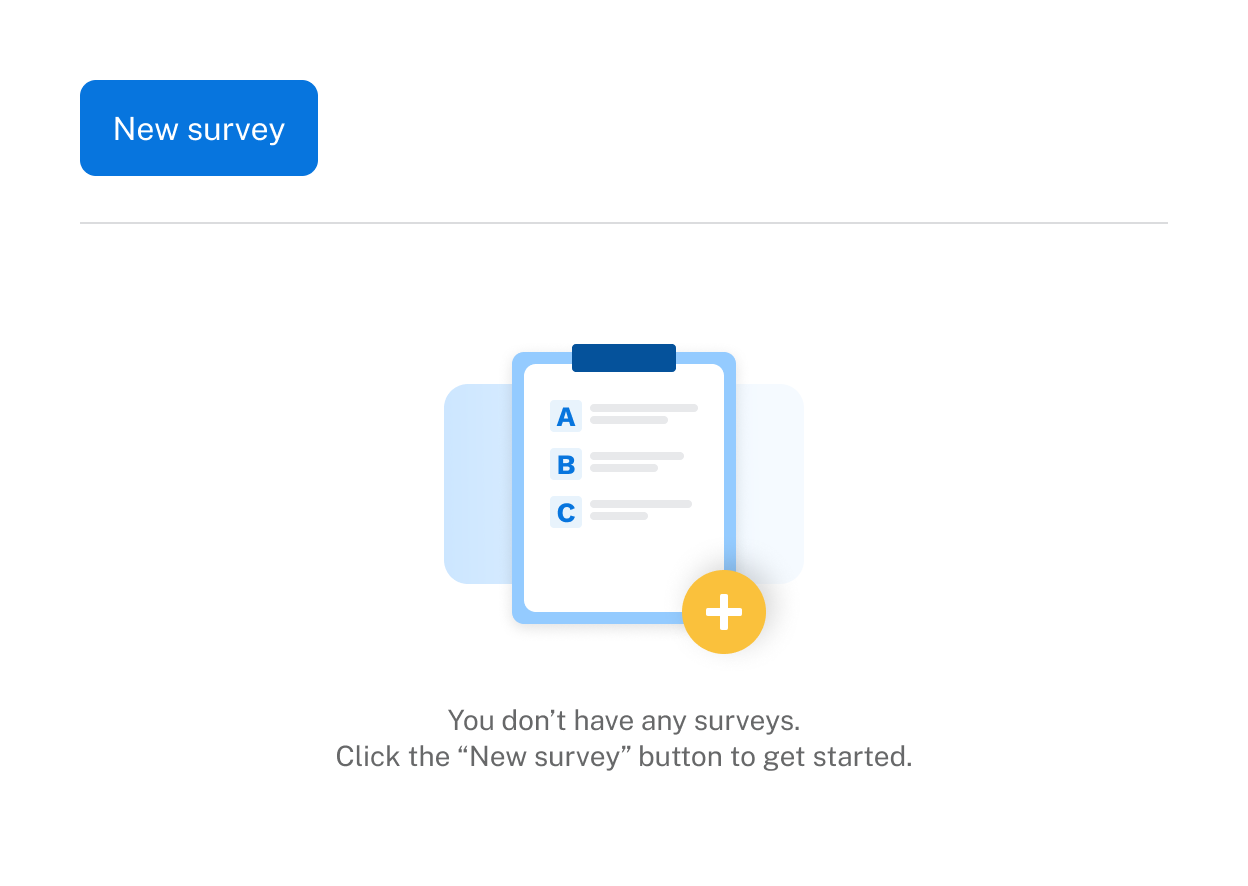
If you’re logging into Discover for the first time, the only available action will be to create a new survey.
Collaboration
To add collaborators:
- Click the options icon (

- ) to the far right of the survey title.
- Select Collaborate.
- Enter one or more email addresses (separated by commas, if adding multiple).
- Click Invite.
Once collaborators are added, a collaborate icon (

) appears next to the survey title.
Click this icon to:
- View the list of collaborators.
- Remove collaborators.
See the Collaboration article for more.
Heading 1

Heading 2
Heading 3
Heading 4
Heading 5
Heading 6
Lorem ipsum dolor sit amet, consectetur adipiscing elit, sed do eiusmod tempor incididunt ut labore et dolore magna aliqua. Ut enim ad minim veniam, quis nostrud exercitation ullamco laboris nisi ut aliquip ex ea commodo consequat. Duis aute irure dolor in reprehenderit in voluptate velit esse cillum dolore eu fugiat nulla pariatur.
Block quote
Ordered list
- Item 1
- Item 2
- Item 3
Unordered list
- Item A
- Item B
- Item C
Bold text
Emphasis
Superscript
Subscript